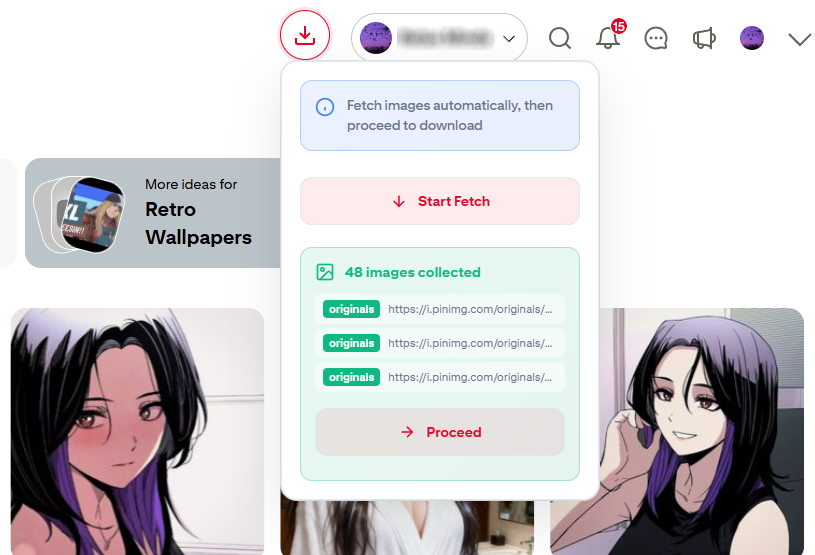
Download PinZip
Start Saving Images
Install the PinZip extension and start downloading Pinterest images in bulk.Compatible with Chrome, Edge, and all Chromium-based browsers.
Easy Installation
No Registration Required
Regular Updates
Free Forever
Latest Versionv1.0.2
Quick Installation Guide
- 1Download and extract the ZIP file
- 2Open chrome://extensions/ and enable Developer Mode
- 3Click "Load unpacked" and select the extracted folder
- 4Visit any Pinterest page and start downloading!